


When you sponsor an event, you want meaningful visibility, not repetitive or overlooked exposure. A Walls.io social wall allows you to stand out in front of attendees by placing your brand within an experience that people are already watching and interacting with. Sponsored posts are a significant part of this, yet most brands barely scratch the surface of their potential.
If you want your sponsorship to be more dynamic and interactive and to connect with real attendee activity, this guide will talk you through your options. You will learn how to feature your brand, how to display your content within the UGC flow, and how different placement options can help you reach your audience more effectively.
What are Sponsored Posts?

Sponsored Posts are custom posts that appear on a social wall alongside user-generated content. Rather than being pulled from social media, these posts are uploaded directly, meaning your brand controls the visuals, message and link.
You can upload an image, short video or piece of text, and your post will appear at regular intervals in the live feed. As Sponsored Posts blend in with the layout of the social wall, they feel more relevant and far less intrusive than traditional ads.
As a sponsor, this gives you the opportunity to:
- Promote your brand in a highly visible content stream
- Share offers or services during key event moments
- Run contests or on-site activations
- Encourage a campaign hashtag
- Drive traffic to your landing page
- Guide attendees towards an action, such as signing up or visiting your booth
The benefit is simple: Your brand shows up where people are already looking.
👉 Related: How to Get Sponsors for an Event
Sponsored posts are just one touchpoint. As a sponsor, however, you can also appear in other high-visibility areas of the website.
The options below are designed to highlight your brand in different ways.
Logo placement at the top of the wall
Your logo can appear at the top of the social wall, where it remains visible at all times. Attendees will see it as soon as they look at the screen, making it ideal for premium sponsors. It can also link directly to your landing page to drive traffic.
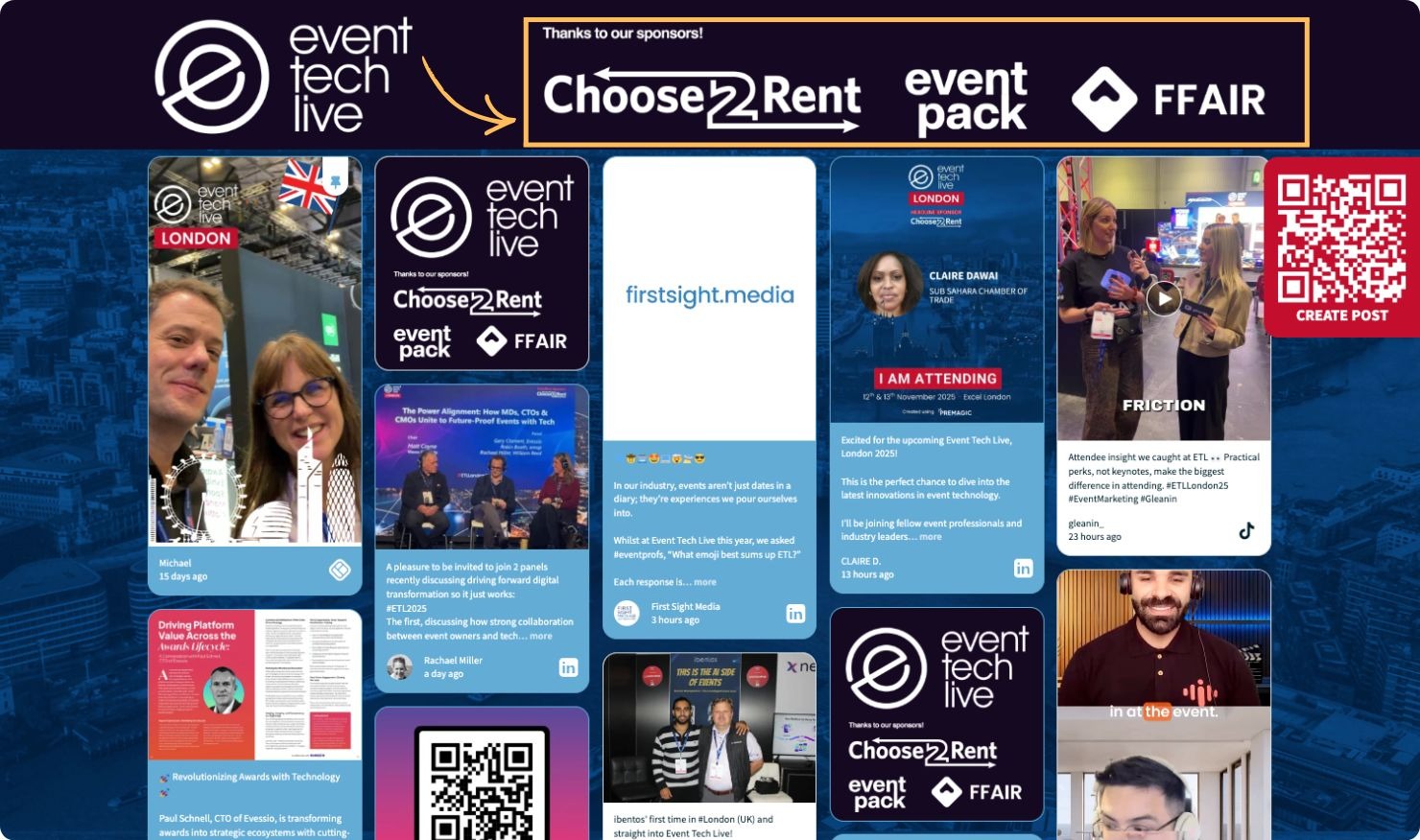
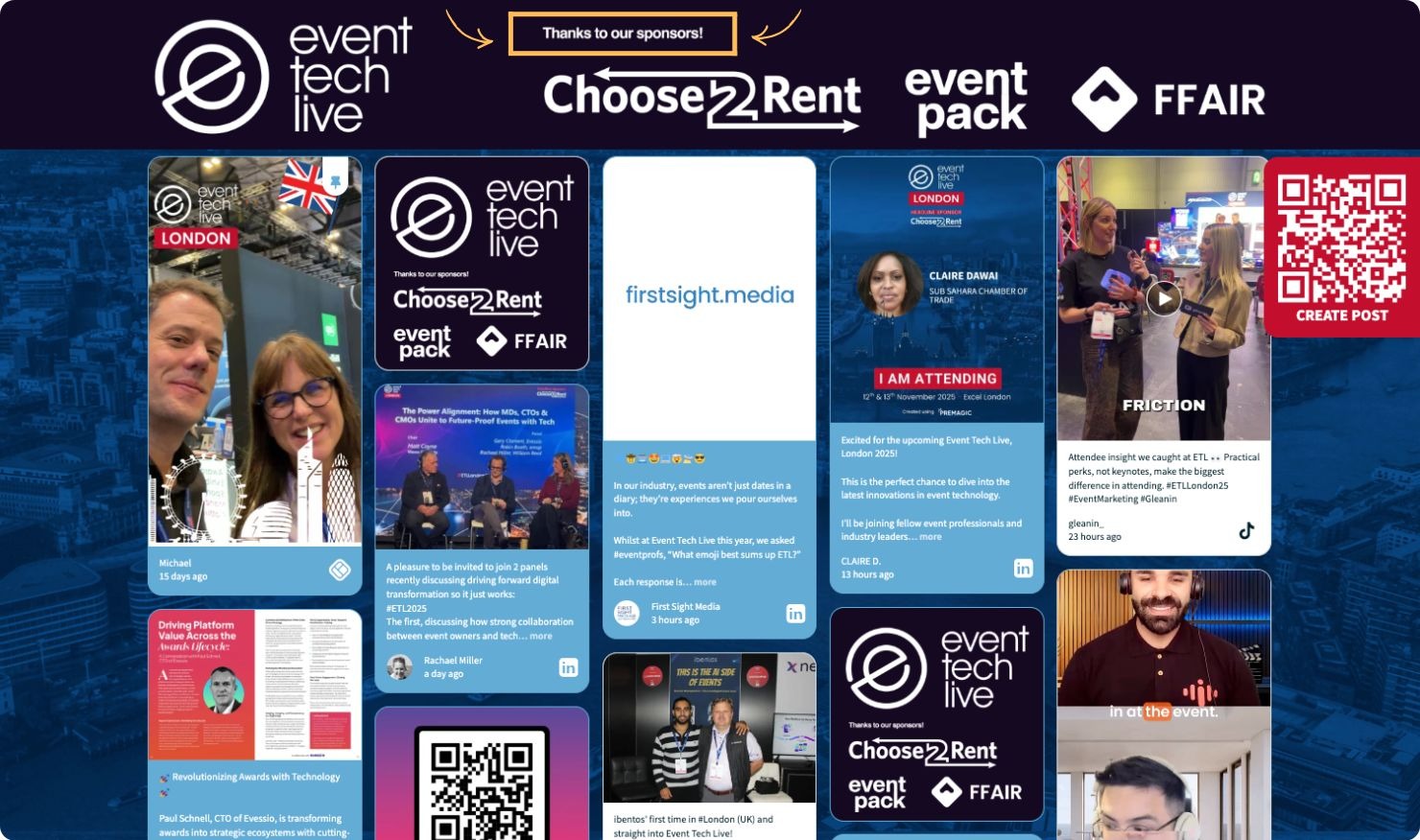
If you want your role to be crystal clear, the organiser can add a banner message such as ‘Thanks to our sponsors!’. This will keep your presence at the forefront while still fitting the event’s design.
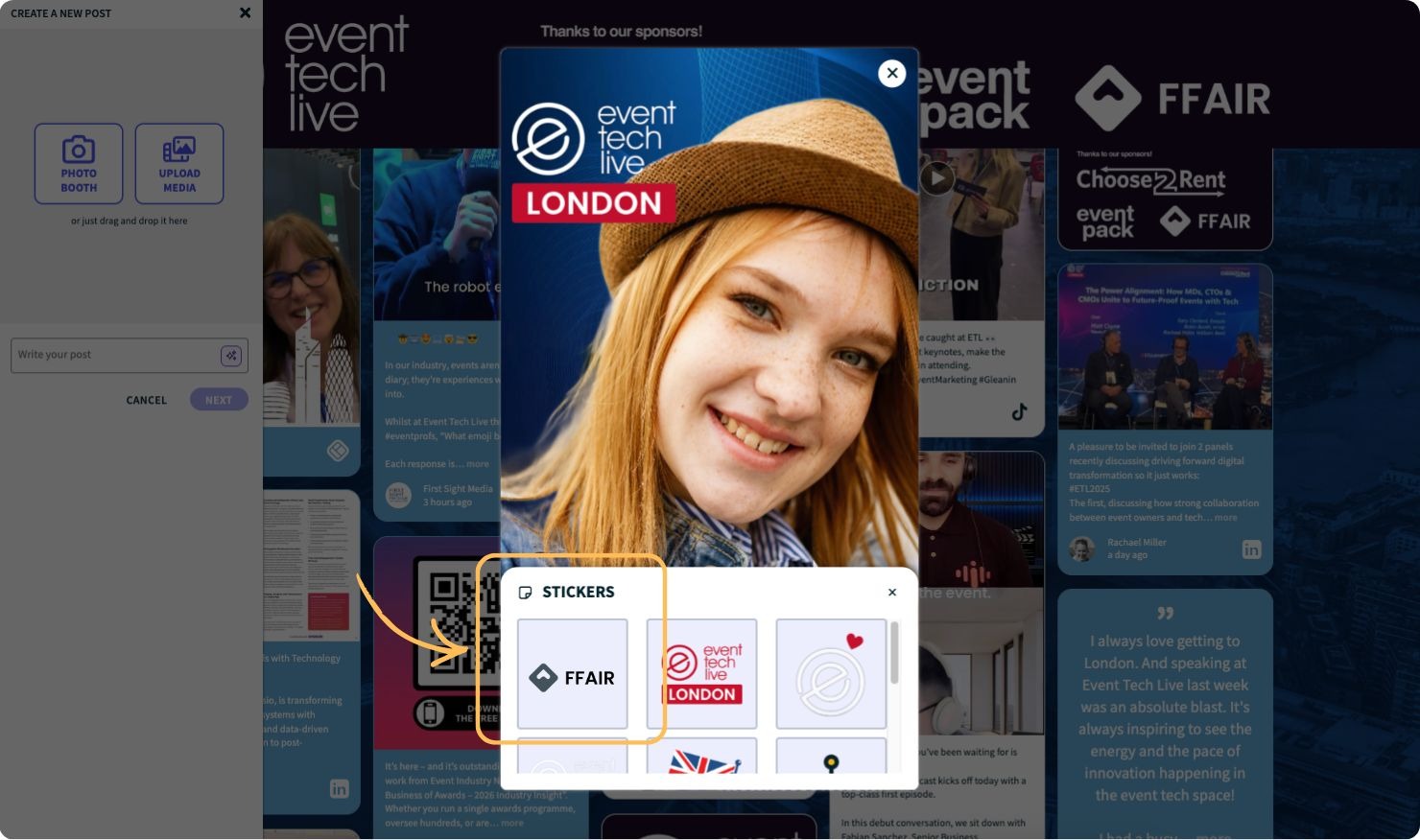
Branded Photo Booth frames and stickers
If your event uses the Walls.io digital photo booth, your brand can appear on the customisable frames and stickers used by attendees. Every photo taken becomes branded user-generated content (UGC) that spreads beyond the event. Attendees often share these images on their own profiles, giving you even more reach.
This approach is particularly effective because it associates your brand with fun, memorable experiences.
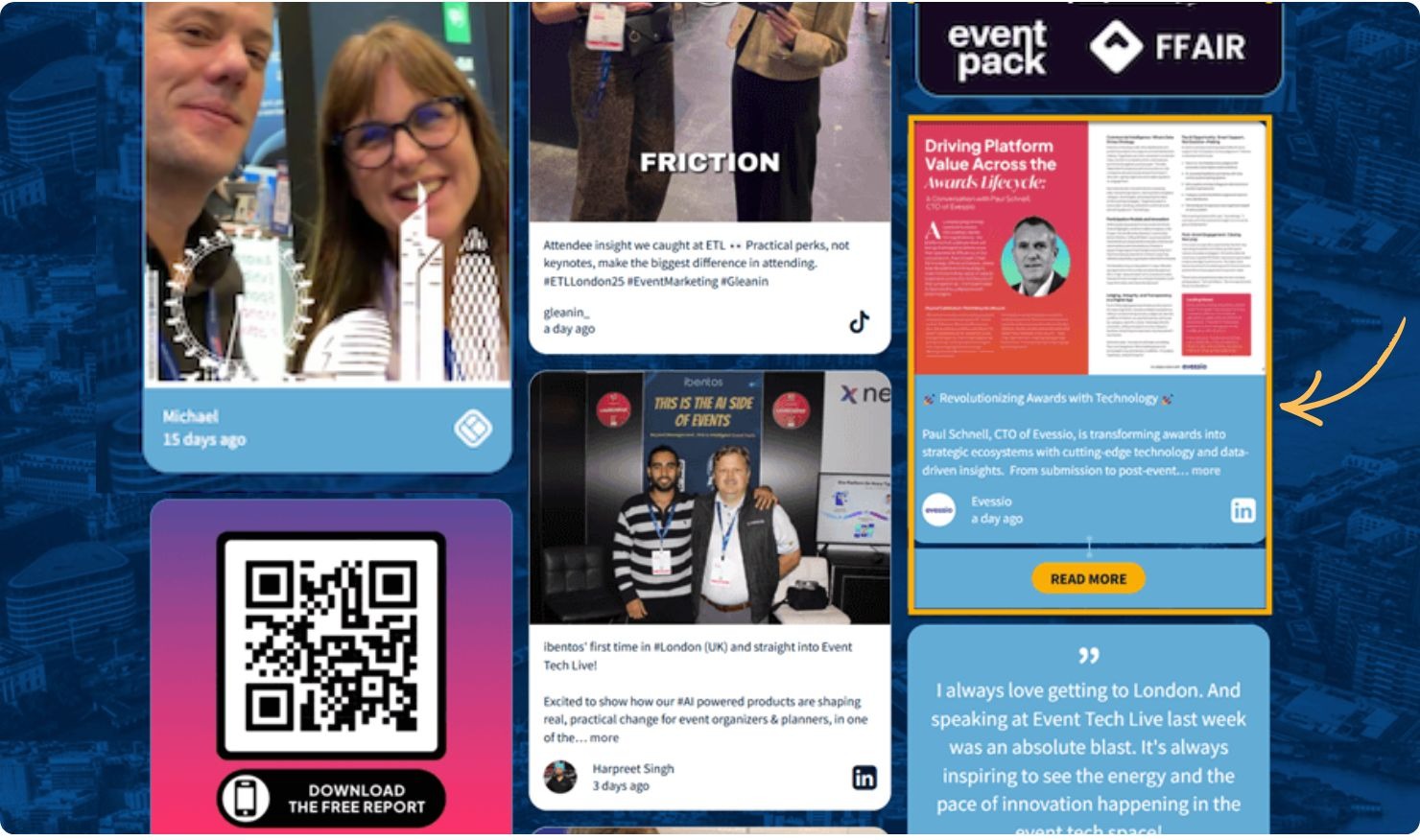
Once your Sponsored Post has appeared on the wall, you can reinforce it with a call-to-action button. Buttons such as ‘Shop Now’ or ‘Read More’ encourage engagement without disrupting the user experience.
This transforms your post into more than just a visual placement. It becomes a direct activation tool.
Combine placements for maximum impact
As a sponsor, you are not limited to one format. You can collaborate with the event organiser to combine the following:
- logo placement;
- banner text;
- sponsored posts inside the feed;
- branded photo booth frames;
- CTA buttons
A real-world example of combined placements
At Event Tech Live, sponsors such as Choose2Rent, Event Pack and FFAIR appeared prominently in the top banner on the wall. Attendees saw the sponsor line before they even noticed the UGC. When this was paired with branded photo booth frames, it created a layered experience in which the sponsor was visible on the wall and in attendees’ photos.

These placements complement each other perfectly, offering sponsors a premium package for a high-impact presence.
👉 Related: 8 Reasons Why You Need a Branded Photo Booth
This provides multiple touchpoints throughout the attendee journey, enabling your brand to remain visible during both active and passive moments.
Whether your goal is visibility, recognition, conversions, or all three, these tools offer the flexibility to shape your presence according to your sponsorship level.
Would you like to learn more about the sponsored posts feature?